
Contact Information
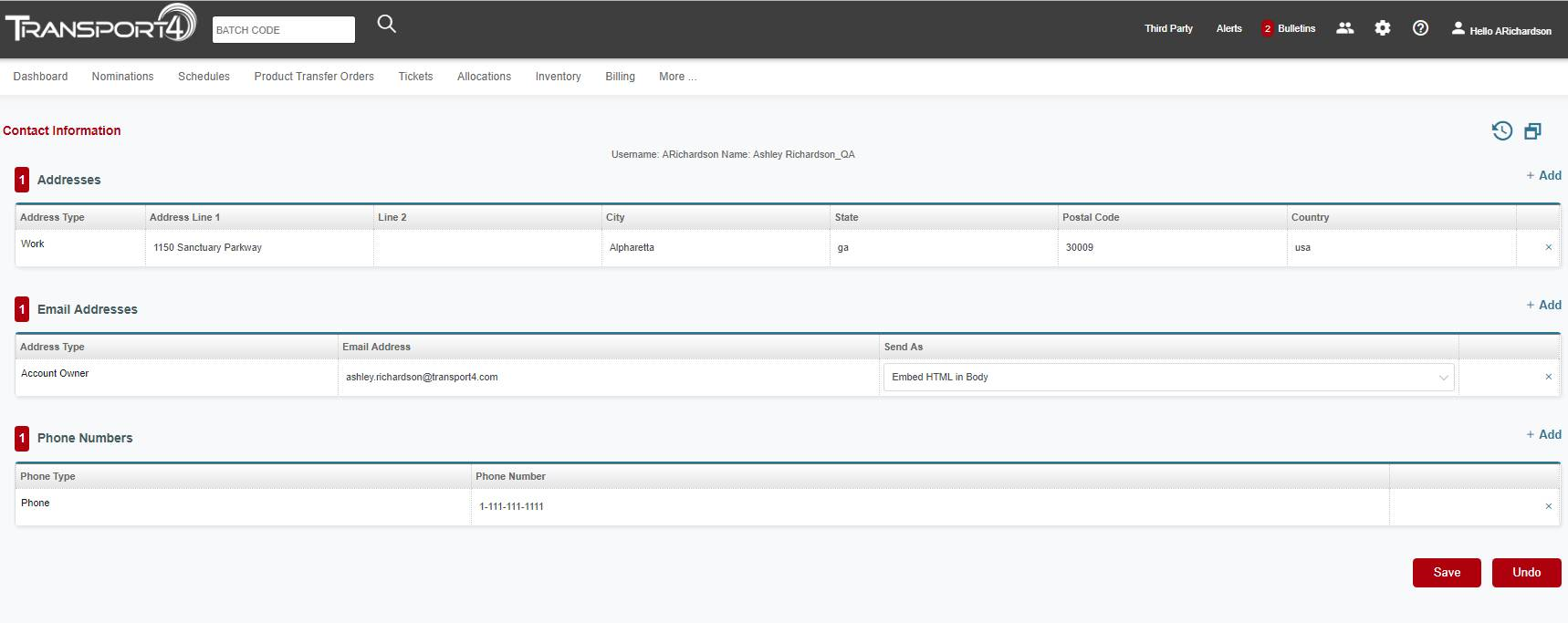
The “Contact Information” section under the cog wheel allows you to update your mailing address, email address, and phone number. To make an update to an existing address, email address, or phone number, you just make the change in the line item and click “Save”.
To add a new mailing address, email address, or phone number, click “Add” next to the item you need to add to. A new line item will open, enter the information needed, and click “Save”.
When adding a new email address, you can set how you want to receive emails and pushes. You can either choose to have it embedded HTML in the body of the email or you can receive the data as an attached HTML file. You make this choice from the “Send As” drop-down.
To add a new mailing address, email address, or phone number, click “Add” next to the item you need to add to. A new line item will open, enter the information needed, and click “Save”.
When adding a new email address, you can set how you want to receive emails and pushes. You can either choose to have it embedded HTML in the body of the email or you can receive the data as an attached HTML file. You make this choice from the “Send As” drop-down.
Comments
0 comments
Please sign in to leave a comment.